Home language next to English
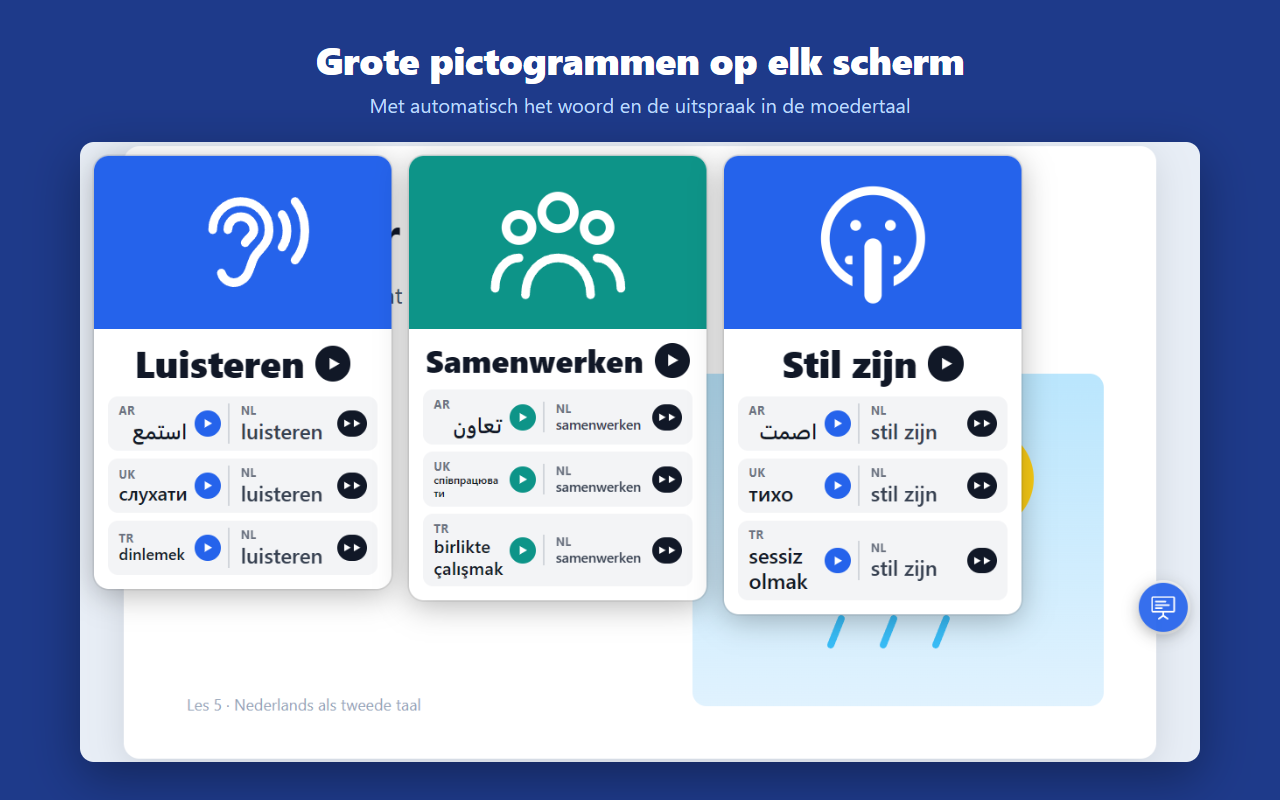
Every card shows the word in your student’s language and in English. One click and you hear them one after the other.
With one click, PictoClass puts a large pictogram over your lesson: listen, be quiet, work together. With the word in your student’s language next to English. First their own language, then the English instruction.
No separate app, no preparation. Just on top of the lesson you already teach.
Every card shows the word in your student’s language and in English. One click and you hear them one after the other.
The bubble floats over every website: your lesson material, a presentation, a video. Drag it wherever you like.
"Take off your coat." Type it in the bubble and PictoClass says it right away, in the home language and in English.
Choose a male or female voice. Or let a student record a word in their own language.
Choose which ones you want in your bubble.
Works in Chrome and Edge.